What is the portfolio simulator?
We recommend every investor use a portfolio simulator before making a trade. Professional investors always
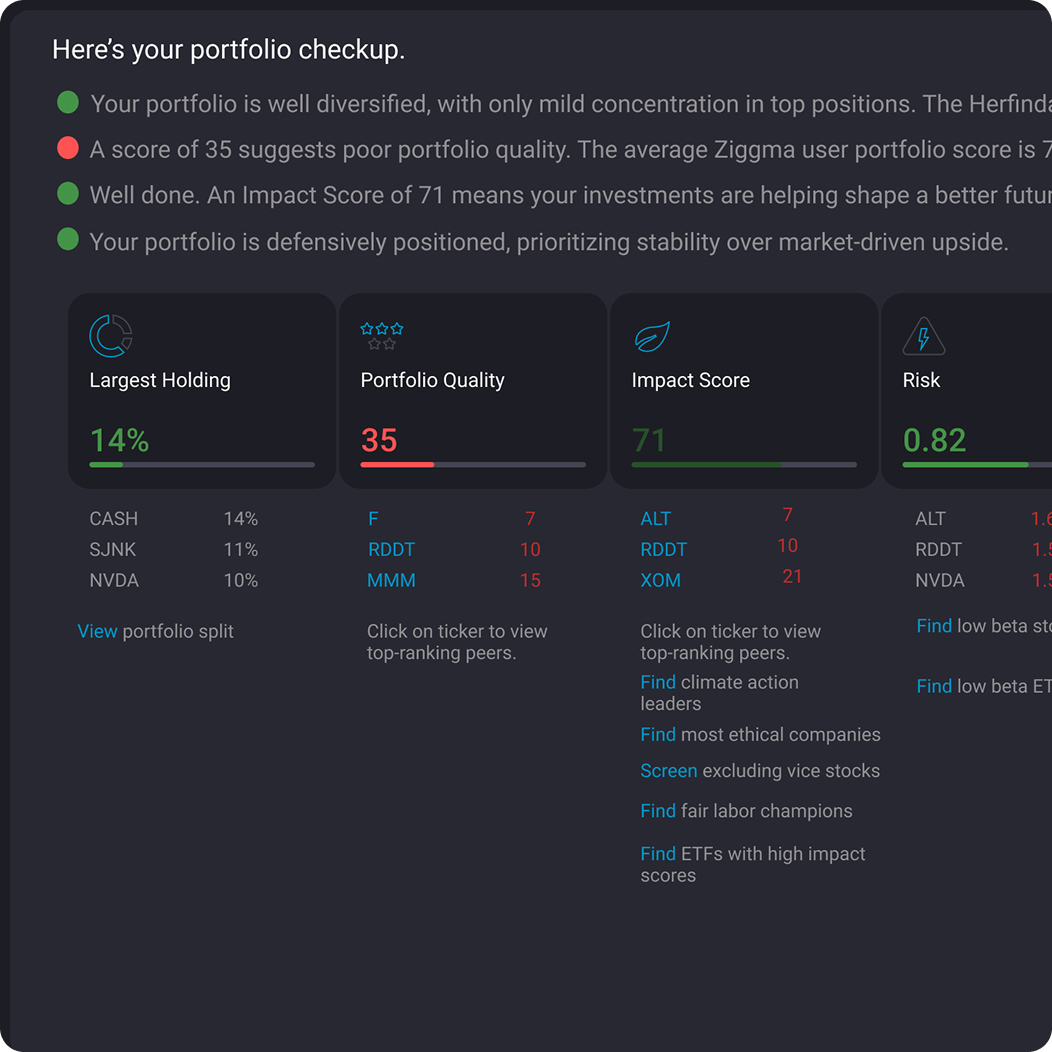
analyze how a new position will affect portfolio allocation, risk, exposure limits, growth, and profitability. Private investors should follow the same disciplined approach.Until recently, these tools were mostly reserved for institutions. That has changed. Ziggma’s portfolio visualizer lets you test transactions in advance, assess their impact on risk and key metrics, and fine-tune your strategy with confidence.
What are the advantages of the portfolio simulator?
The portfolio simulator is an easy-to-use tool that lets you test a trade before you execute it. Instead of guessing how a transaction will affect your allocation, risk, and overall balance, you can see the impact in advance. Most brokers do not offer this kind of preview, so you only understand the consequences after the trade is done.The real advantage is portfolio coherence. The simulator helps you check whether a new investment truly fits your strategy, for example if adding another tech stock would push your portfolio too far in one direction. You can adjust position sizes, run multiple scenarios, and fine-tune the trade until it aligns perfectly with your goals.
How to use the portfolio simulator?
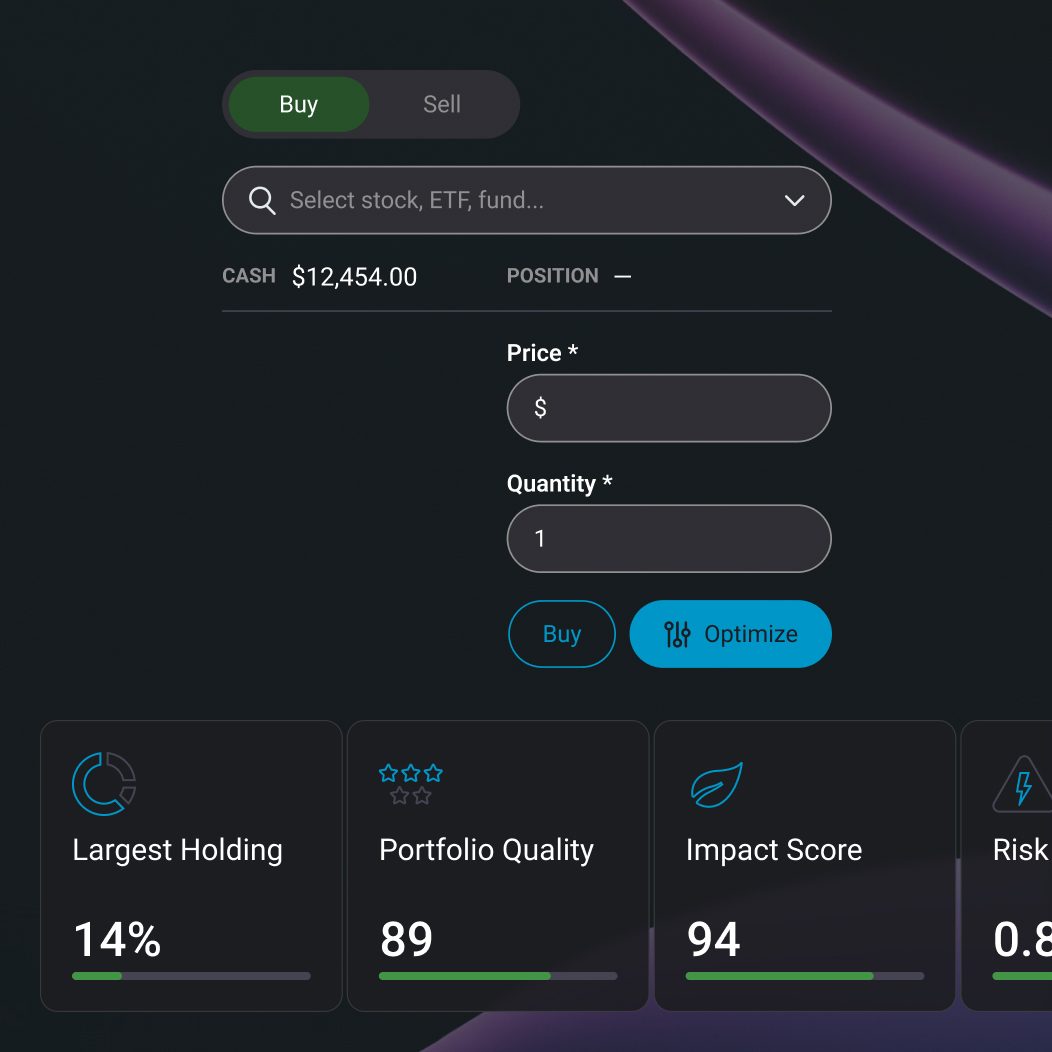
Using Ziggma’s investment portfolio simulator is very easy. You can navigate to the
tool in various of ways. One way is by selecting it directly in the menu bar. It will open the stock or ETF portfolio simulator (it works for both stocks and ETFs). Then enter the security you have in mind for adding to your portfolio. The price field will then show the most recently available price, which you can edit if you wish. The second entry you have to make is for the number of shares you would like to add. Then hit Simulate.You can also get to the investment portfolio simulator from our
free stock screener by clicking on the orange-colored + button and selecting a virtual portfolio to add the stock to. The ensuing window allows you to add the stock (or ETF) to the portfolio or run the simulation for that matter. You can also get to the investment portfolio simulator from the company profile page of any stock or ETF by clicking on the orange colored + button to perform your portfolio analysis.

.jpg)